Devot
Local-first Markdown notes for macOS. Notes live in a SQLite database on the Mac, and every feature works without an account or a connection.
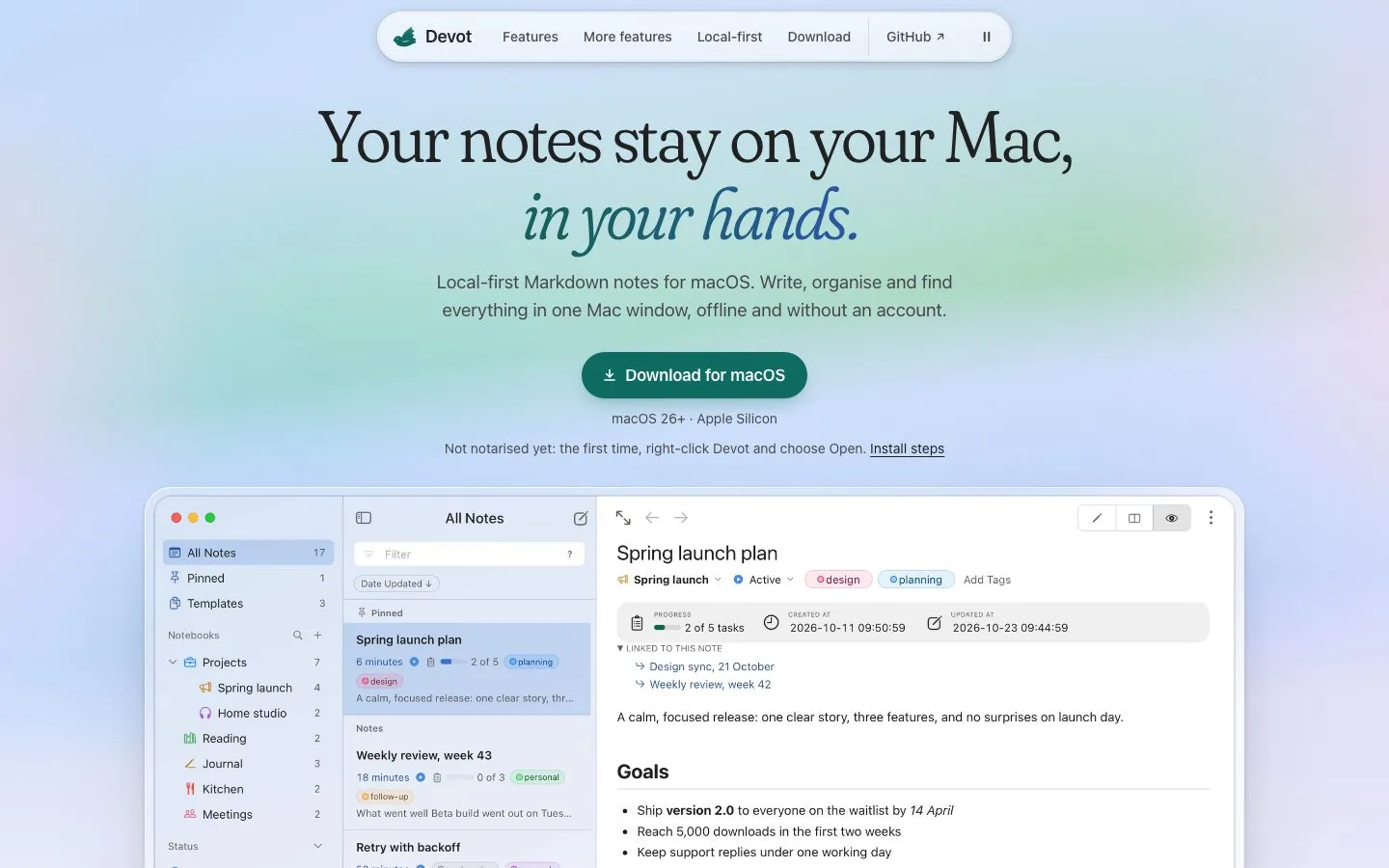
Devot keeps notes in a SQLite database on the Mac. Every feature works without an account or a network connection, and nothing leaves the Mac unless it is exported, mirrored or read by an MCP client. It is a macOS app for macOS 26 and later on Apple Silicon, released as 1.0.
What it does
- Organise. Nestable notebooks with icons, tags with colours, note statuses, pinning and a Trash. A notebook opens as a workspace of its own notes and sub-notebooks, and templates fill in a title, notebook, tags and the date.
- Write. A Markdown editor in editor-only, split or preview mode, with maths, Mermaid diagrams, syntax-highlighted code, tables edited from the keyboard, slash commands and multiple cursors. Revision History keeps a version whenever typing pauses, and any of them can be restored.
- Find and connect. Full-text search with a query syntax for notebooks, tags, statuses and exclusions;
[[links between notes, with each note listing the notes that link back; and a command palette for every command. - Bring notes in and out. Import Markdown, a Markdown folder or HTML files; export a note, a notebook or everything as Markdown or HTML, and a note as PDF; keep a Markdown folder in step with every note. Settings hold four themes, a light and dark appearance, and imported fonts.
Agents, on the app’s terms
devot-mcp lets Claude Code, Codex and other MCP clients search, read, create, edit and trash notes over stdio, whether the app is open or not. Only notebooks with Allow AI Access on are visible, the switch is per notebook, and notes in the Trash are never reachable. Edits land in an open window within a second without moving the caret or touching the undo history, and the note’s previous text stays in Revision History.
How it’s built
Tauri carries a React and TypeScript interface on a Rust core, with SQLite storing the notes. Local backups run daily and restore from the app, and logs carry codes and IDs rather than note content. Updates are downloaded in the app and installed on restart. The source is FSL-1.1-MIT licensed, the manual and downloads are at devot.online, and sync, AI edit proposals and an iOS app are the next phases.